In short: Spotify for Artists is Spotify's free dashboard for artists and labels. You claim your profile through an access request that Spotify reviews by hand, which can take a few days. Once in, you can read audience and song stats, edit your images and bio, pitch unreleased songs, add Canvas visuals and invite your team. Stats are counted in UTC and refresh once a day.
This guide is for independent musicians who have music on Spotify, or are about to, and want to understand the tool that comes with it. It also suits managers, band members and anyone who has been handed access to an artist's account and wants to know what they are looking at.
We cover how to claim a profile, who should hold which role, what every section of the dashboard shows, what the numbers actually count, and the profile settings worth getting right before a release. Everything comes from Spotify's own help pages and its Spotify for Artists blog, and the steps and limits are as published at the time of writing (November 2026). Spotify changes these screens often, so where a page is old we say so.
What is Spotify for Artists and who can use it?
Spotify for Artists is a free website and a free app (iOS and Android) where artists and labels manage their presence on Spotify. Spotify's get-started page lists a dashboard for performance, profile customisation with photos, a bio, social links, merch and playlists, playlist pitching, Canvas, concert and merch integrations, team access and learning resources.
It is not where you upload music. Your songs reach Spotify through a distributor, and the tool only appears for an artist once music is live or on its way. Our guide to music distributors compares the main ones, and what a record needs covers the files and artwork a distributor will ask for.
An artist page exists on Spotify once music is delivered under that name. What claiming does is give you control of it. Spotify says claiming an artist profile also adds a Registered Artist label to the About section.
How do you claim your Spotify for Artists profile?
You submit an access request in Spotify for Artists, add a link to the artist's website or social channels so Spotify can verify you, and wait for a manual review. Spotify's access page says approval can take a few days.
- Make sure at least one release by the artist is live on Spotify, or follow the pre-release route below.
- Sign in at artists.spotify.com with the Spotify account you want tied to the profile. Use an account that belongs to the artist or the band, not one a former member or manager could take with them.
- Choose the option to get access to an artist profile and search for the artist. Check that you pick the right one: artists with similar names exist.
- Add a link to the artist's website or social channels to verify your identity. Use the pages that clearly carry the artist's name and music.
- Submit, then wait. If the request is approved you get access. If it is rejected, Spotify emails you the next steps.
Three details from the same page save trouble. Only one request can be active for an artist at a time, so nobody else can submit while yours is under review. If the profile is already claimed you cannot submit a request at all: ask that team's Admin to invite you. And if your distributor is one of Spotify's preferred providers, you get access automatically when you submit the request.
Can you get access before your first release?
Yes, but not through the normal form. Spotify says to get your artist link or URI (Spotify's internal address for the profile) from your label or distributor, then contact Spotify support with that link and the UPC or EAN of the upcoming release. A UPC or EAN is the barcode number that identifies the release as a product. Your distributor can tell you the number, and our release plan shows where it fits in the weeks before release day.
What if you run a label?
Labels request a label team instead, and verify by adding links to a few tracks or albums the company owns. Review is manual here too. Once approved, the label team shows the catalogue that matches the distributor and label names in your releases' metadata. You cannot ask to join an existing label team; its Admin has to invite you.
Who should have access to your Spotify for Artists account, and at what level?
Give each person the lowest level that lets them do their job. Spotify's access levels page defines three app levels plus an optional team role, and your level can differ from one team to another.
The table shows what each level can do, as Spotify lists it.
| Level | Can do | Cannot do |
|---|---|---|
| Admin | Everything an Editor can, plus add and edit payment methods | Nothing in the app is withheld |
| Editor | View stats, edit the profile, add Clips and Canvas, pitch upcoming releases, create and edit campaigns, manage Shopify merch | Payment methods |
| Reader | View music and audience stats, the artist roster and the profile | Edit the profile, add Clips or Canvas, pitch, run campaigns, manage merch or payments |
| Team Admin (optional extra) | Invite and remove members, change access levels, view team activity | Not an app level on its own |
In practice, a manager who sends pitches and uploads visuals is an Editor. A bandmate who only wants to see numbers is a Reader. A photographer or video editor who needs to add visuals for a release is an Editor for as long as the work lasts, and then comes off the team.
Only Team Admins can change levels, through Spotify Manage at manage.spotify.com/teams. Keep at least two people who can do this, so a lost login does not lock the band out of its own profile.
What does each section of Spotify for Artists show?
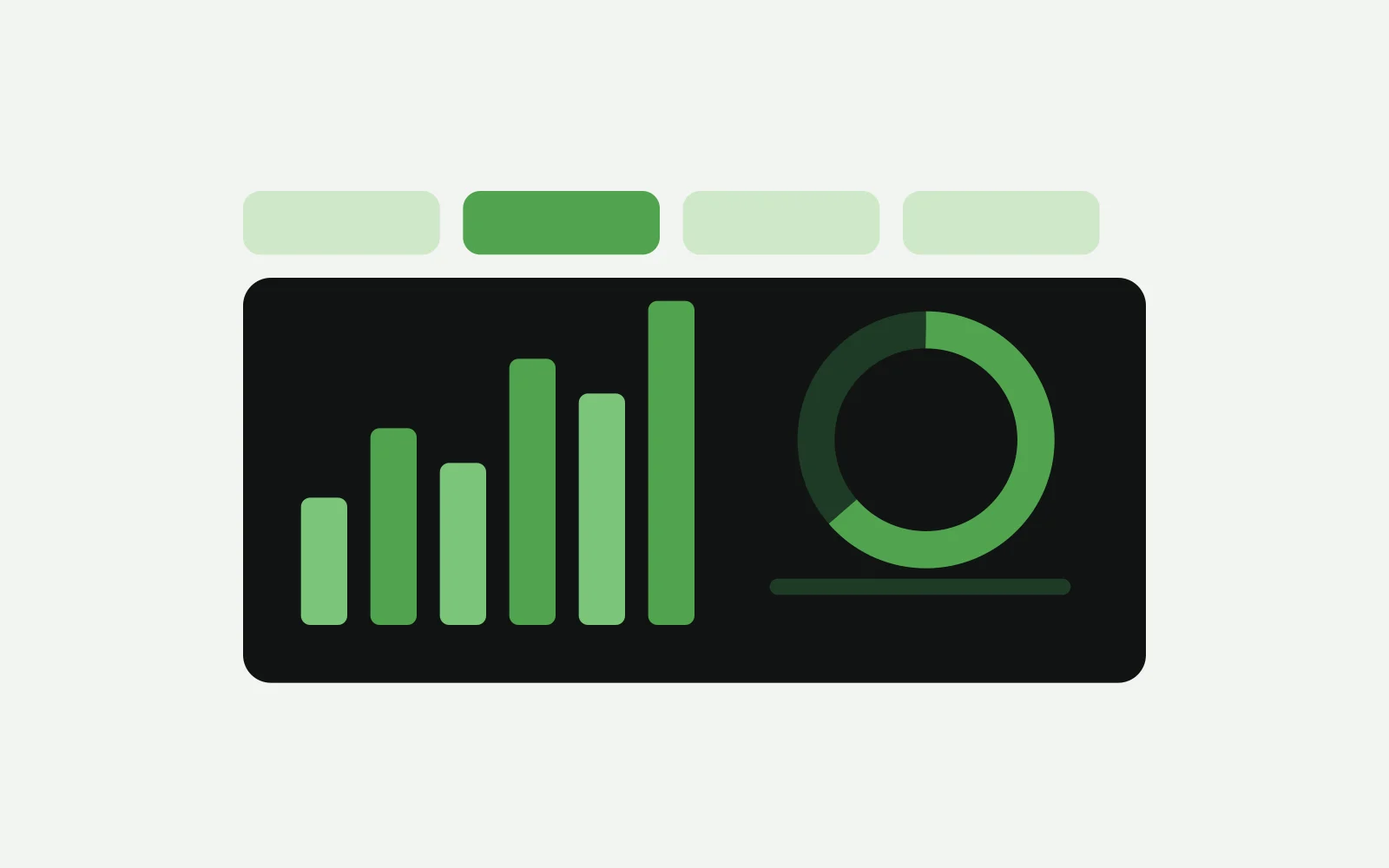
The dashboard splits into a home view, audience stats, music stats, your profile and tools for upcoming releases and visuals. Spotify's own guide to reading your data describes Home, Audience and Music; that post is from February 2020, so tab names and layout have moved on and the summary below mixes it with current help pages.
| Section | What you find there | Use it for |
|---|---|---|
| Home | A live count of people listening now, last week's summary, top songs and playlists, milestone and learning cards. For a new release it shows live streams for the first seven days | A quick daily check and release-week watching |
| Audience | Listeners, streams and followers over time; source of streams; age, gender, countries and cities; similar artists | Learning who your listeners are and where they are |
| Music | Songs and releases compared; per-song stream timeline, sources and locations; a Playlists tab showing public playlists that include you | Seeing which songs travel and which playlists helped |
| Upcoming | Pitching for unreleased songs, and Countdown Pages and pre-save numbers where eligible | Release preparation |
| Profile | Images, bio, Artist Pick, playlists, social links, merch, concerts | What fans see when they find you |
| Video and Visuals | Canvas, Clips and, in some accounts, video uploads and pitching | Moving visuals around your music |
The mobile app covers most of this. Spotify describes it as a free app for iOS and Android for tracking stats and releases on the go. Some edits are web only: Spotify says you cannot update your header image from the mobile app or a mobile browser.
What do the Spotify for Artists stats actually count?
Four numbers do most of the work: listeners, streams, followers and saves. Each has a precise meaning in Spotify's help pages, and mixing them up is the commonest way to misread a release.
- Listeners. Spotify defines listeners as unique people who stream your audio tracks or music videos within the time period you select. One person playing a song fifty times is one listener.
- Streams. A stream counts only when a listener plays a track for at least 30 seconds. The same applies to music videos. Offline plays are counted when the listener's device reconnects, and listeners must go online at least once every 30 days.
- Followers. People who follow your artist profile. You see the total, never the names.
- Saves. A save is counted when a listener taps the plus button to add your music to their library. A save from a music video also adds the audio track to the library.
Two further rules matter for totals. Your overall stream counts include songs where you are credited as a main artist or remixer, and a song that sits on several releases adds to each release's total. If a recording becomes unavailable, its all-time count is kept for 90 days, and if it returns after that it does not recover the old count.
How do you read source of streams?
Source of streams tells you how listeners reached your music, and it is the stat that best separates a song people look for from a song Spotify put in front of them. Spotify's help page groups sources into active and programmed.
| Group | Source | What it means |
|---|---|---|
| Active | Artist profile and catalogue | Streams from your profile, album pages or your This Is playlist |
| Active | Listener's own playlists and library | Liked Songs, saved albums and their own playlists |
| Active | Listener's queue | They added your music to the queue and played it |
| Programmed | Editorial and personalised editorial playlists | Playlists by Spotify editors, personalised editorial playlists and charts |
| Programmed | Personalised playlists, autoplay and mixes | Algorithmic output such as Discover Weekly, Release Radar, Radio, Autoplay, Daily Mix, daylist and AI DJ |
| Programmed | Other listeners' playlists | Playlists made by other Spotify users |
Spotify warns that when you view sources by listeners, the subtotals can add up to more than your total listener count, because one person can stream you from several places.
How to use it: a release with a high share of active sources is being sought out, usually by an existing audience. A release driven mostly by programmed sources is being found by strangers, which is useful but less sticky. Neither is better. A first single usually leans active, because the audience is friends and followers, and a song that catches an algorithm later shifts toward programmed. Watch how the mix changes over weeks, not the number on one day.
When do Spotify for Artists stats update?
Stats refresh once a day, at about 5 pm US Eastern time, which Spotify writes as roughly 9 pm UTC. Its update page adds that days are counted in UTC and that you cannot change the time zone.
For anyone in India that has two practical effects. First, 9 pm UTC is 2:30 am IST, so a day's numbers arrive in the early hours of the next morning. Second, India is 5 hours 30 minutes ahead of UTC, so a song that goes live at 9 am IST sits on the same UTC day, while one that goes live just after midnight IST sits on the previous UTC day. Spotify gives the mirror example for the US: a release that goes live in the evening can land on the next UTC day, so its first release day may show no stats.
The exception is the live stream count. For the first seven days after a new release it updates every two seconds, and it is the one number worth refreshing on release day. Everything else can wait for the daily update.
What is release engagement?
Spotify's listener stats page describes a Release engagement tab built on monthly active listeners. It shows how many of that group streamed your new music on each of its first 28 days. Use it to see whether people who already listen to you came back for the release, which is a cleaner read than raw streams.
Which profile settings matter most before a release?
Your images, your bio and your Artist Pick, in that order. They are the first things a new listener sees, and none of them cost anything. Spotify's profile page lists the full set of things you can manage: images, bio, Artist Pick, artist playlists, Fan Support, concerts, merch through Shopify, social links, videos and visuals including Canvas, and Countdown Pages.
What size should your Spotify artist images be?
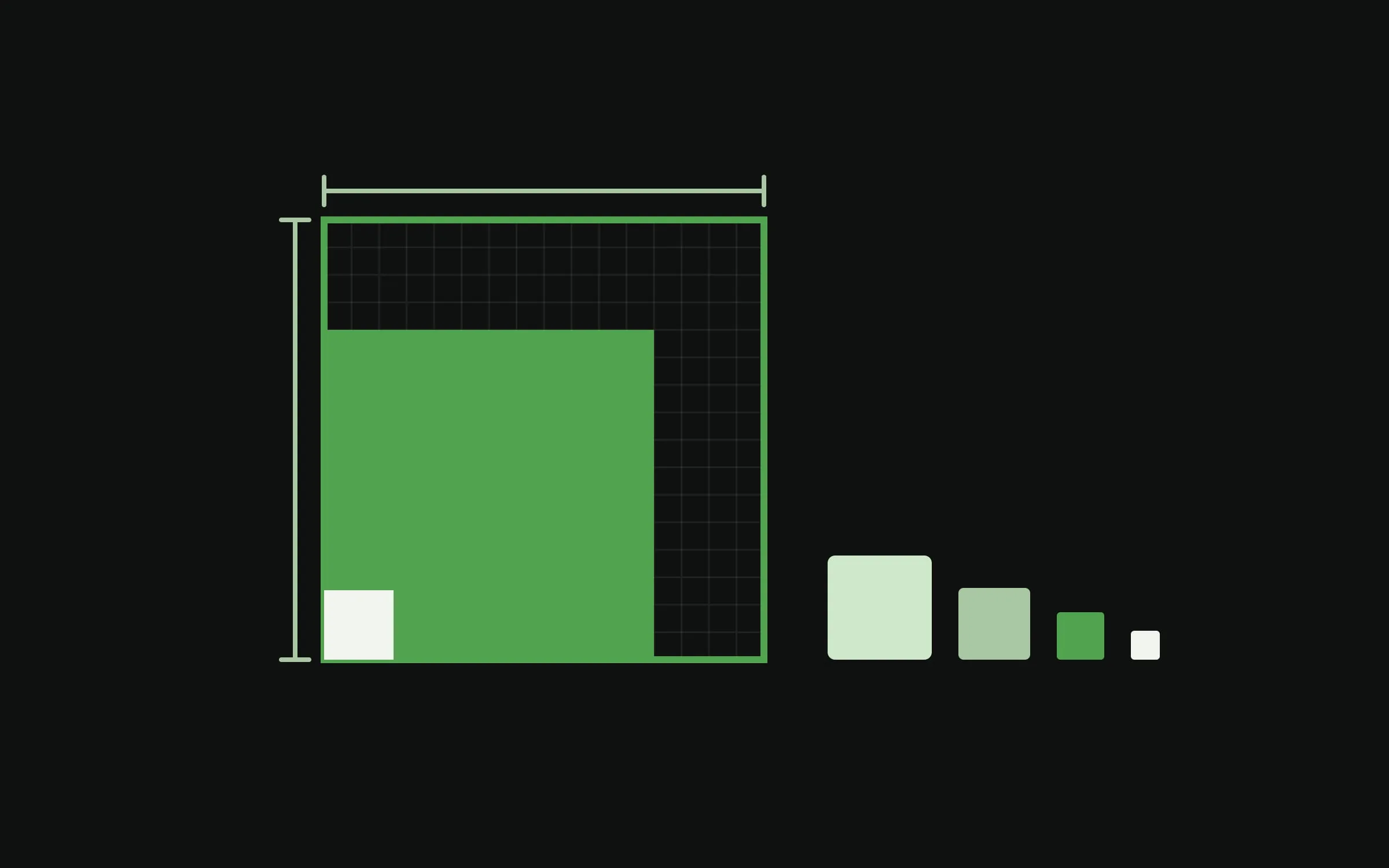
The minimums are 750 by 750 pixels for the avatar, 2660 by 1140 for the header and 690 by 500 for gallery images, according to Spotify's image guidelines. The same page sets the shared rules.
| Image | Minimum size | Where it shows | Where you can edit it |
|---|---|---|---|
| Avatar | 750 x 750 px | Top of your profile in the mobile app and next to your name in search | Desktop browser or mobile app |
| Header | 2660 x 1140 px | Top of your profile on desktop and web player, and Now Playing on smart TVs | Desktop browser only |
| Gallery | 690 x 500 px | Your About section; up to 125 images | Desktop or mobile browser, or the app |
All three must be JPEG, PNG or GIF, no larger than 20 MB. Spotify says not to include text, advertising or busy backgrounds, not to promote a tour or release, and not to post a picture of a person without their consent. If you remove the header, your avatar is used; if you set no avatar, your latest release artwork is used, and Spotify notes that an avatar cannot be removed completely. A change to the avatar can take up to 72 hours to reach search results.
Because headers and avatars are cropped for different devices, keep the subject in the middle with room on all sides. If you need pictures made for this, see our guide to press photos for musicians, which covers shot lists and sizes, and our photography page.
What should your bio say?
Spotify allows up to 1,500 characters, and Admins and Editors can edit it. You can link other artists, albums, playlists and tracks with @ tags or by pasting Spotify links. The bio must follow Spotify's platform rules, or it can be removed.
Put the most useful sentence first, because many listeners read only that. Say what the music sounds like, where you are from, what you released most recently and one fact a journalist could quote. Skip adjectives that every bio uses. Our electronic press kit guide has a longer approach to the same writing.
How does the Artist Pick work?
The Artist Pick sits at the top of your profile and can feature a song, album, music video, playlist, concert, merch item or podcast. Spotify says a standard Pick stays live for 180 days unless you change it sooner. You can add an image of at least 690 by 500 pixels in JPEG, GIF or PNG, and a short message.
Change it with every release. A Pick left on last year's single tells new visitors that nothing has happened since. Concert Picks end after the show or when tickets sell out, and merch Picks end when the item sells out.
What else can you do in Spotify for Artists?
Once a year there is also Wrapped. Spotify's newsroom says artists reach their Wrapped through Spotify for Artists, so keep the account in working order before December.
The profile is the base. Four other tools matter around a release, each with its own rules, and the details change often enough that you should read the linked page before relying on them.
- Pitching. Open the Upcoming section, choose an unreleased song and fill in the form at least 7 days before release. Spotify's pitching page says one song can be pitched at a time, and that pitching does not guarantee placement. A pitched song is added to your followers' Release Radar playlists.
- Canvas. A looping vertical visual of 3 to 8 seconds that replaces album art on the Now Playing screen of the mobile app. Spotify's guidelines give the specs, and Admins or Editors can add one from the Music tab.
- Countdown Pages. A pre-save page for a coming release. Spotify requires at least 3,000 monthly active listeners, measured under Audience then Segments, and only new albums and EPs qualify, not singles. Your label or distributor must deliver the release by DDEX, the industry metadata standard.
- Merch and concerts. Merch is connected through Shopify, and concerts are listed from the profile section. Both can be featured as an Artist Pick.
The Countdown Page rule is worth noticing for an independent artist. Many first releases are singles, so the tool stays out of reach until you have an album or EP and the audience to match.
Which mistakes do artists make with Spotify for Artists?
Most mistakes come from reading numbers in isolation or leaving access loose. These are the ones that cost real time.
- Comparing listeners with streams. Streams are plays past 30 seconds and listeners are unique people. A song can have a modest listener count and a large stream count if the same fans replay it.
- Judging release day by day-one numbers. The daily refresh and the UTC day mean the first morning looks thin. Use the live count for the first week and the daily stats from day two.
- Forgetting that saves are not streams. A save means someone wanted the song in their library. It is a better signal of intent than a single play.
- Using a personal login for a shared profile. If the person who claimed the profile leaves the band, you need an Admin who can invite someone else.
- Uploading a header with text on it. It breaks Spotify's rule, gets cropped differently on every device and tends to be removed.
- Pitching a song you have already released. Once a song is live it can no longer be pitched through the form.
- Buying playlist placement. Spotify says paid third-party services that guarantee streams are not legitimate, and confirmed artificial streaming can lead to withheld royalties and removal from playlists. Its artificial streaming page also says distributors may warn, remove content or suspend accounts.
What should you set up in the first hour?
Work through this list once, in order, when you first get access. It takes less time than reading this guide and it covers what most artists skip.
- Confirm the profile is the right one, with no other artist's releases mixed in. If there is a mix-up, your distributor can correct the metadata.
- Add yourself and one other trusted person as Admins, and give everyone else Editor or Reader.
- Upload an avatar and a header that meet the size minimums, with no text.
- Write the bio, with the best sentence first, and add links to your other releases using @ tags.
- Add your social links and, if you sell merch, connect it.
- Set an Artist Pick for your newest release.
- Open Audience and note where your listeners are and how they find you. Write the numbers down, because the screens show a window and you will want a record to compare against later.
- Install the app on a phone and sign in, so you can check live numbers on release day.
What should you do with the numbers once you can read them?
Use them to decide the next small thing, not to judge the whole record. A release plan is a series of experiments, and Spotify for Artists tells you what each one did. A few uses that repay the effort follow.
- Pick where to spend attention. If one city or country shows far more listeners than you expected, put your next set of photos, shows or social posts there. Our guide to independent music in India covers the wider picture of where listeners are.
- Learn from the playlist tab. The Playlists tab in Music lists public playlists that include your music and the streams they sent. Thank the curators of the user playlists that helped, and look at what those playlists have in common.
- Compare releases. The Music section compares releases. Keep a simple sheet with date, listeners in the first week, saves and the share of active sources, so patterns appear over three or four releases.
- Plan visuals. If a song is getting saved but not streamed much, it may deserve a Canvas or a short video to bring people back. Our video team makes both.
Questions people ask
Is Spotify for Artists free?
Yes. Spotify for Artists is free for artists and labels, on the web and as an iOS and Android app. You pay your distributor to deliver music, but access to the dashboard, the stats, pitching, Canvas and profile editing carries no charge from Spotify.
How long does it take to get approved for Spotify for Artists?
Spotify says review is manual and approval can take a few days. If your distributor is one of Spotify's preferred providers, access is given automatically when you submit the request. Only one request can be active for a profile, so wait for a decision before sending another.
Can I use Spotify for Artists before my music is out?
Yes, but through support. Get your artist link or URI from your distributor, then contact Spotify with it and the UPC or EAN of the upcoming release. Once you are in, the Upcoming section lets you pitch the song, at least 7 days before release.
Why do my Spotify for Artists stats not match what I see in the app?
Spotify for Artists counts days in UTC and refreshes once a day, around 9 pm UTC. Public numbers in the app, such as stream counts, are also adjusted to remove confirmed artificial streams. Check the update time and the date range you selected before assuming a number is wrong.
Who can see my Spotify for Artists data?
Only people on your team, at the level the Team Admin gives them. Spotify says you see the total number of followers but not who they are. If you share the login of one account instead of inviting people, anyone with it sees everything, so invite people instead.
What is the difference between listeners and followers?
Listeners are unique people who streamed your music in the period you select. Followers are people who chose to follow your profile, and you see the total but not their names. Someone can listen without following, and a follower may not have played you recently, so track both.
Getting a profile, a bio and a release ready is easier with good pictures and a clear visual idea. Jayde Records makes music videos, Canvas loops and live sessions, shoots press photographs and builds websites for musicians, and the services page lists the rest. Tell us what you are releasing through the contact page and we reply within 24 hours.